 Zealy
Zealy leaderboards for XP ranking and sprint rewards
Zealy leaderboards rank community members by experience points (XP) from successful quest claims and manual bonuses. All-time rankings track the community total, while sprint rankings cover a defined competition period and its included quests. Ties normally favor whoever reached a score first, and sprint settings determine prize eligibility.
updated
In short: A sprint's reward zone controls eligibility, while its payout method determines how eligible scores or rank ranges share the pool.
Successful claims and bonus XP
The score combines XP attached to successful quests with points that the community awards manually. Quests can carry different XP rewards, and bonuses can recognize work beyond the configured amount. Comparing XP with completed quest counts helps distinguish the score from the volume of approved work.
Quest rewards
Zealy credits a quest's XP when the claim succeeds. A submission awaiting manual review has not yet earned that reward. Successful and starred review outcomes both approve a claim, while failed or flagged outcomes do not.
Manual adjustments
Reviewers can add bonus XP to approved work, supplementing the quest's existing reward. Administrators also have direct XP adjustment controls. The Discord integration provides administrators with commands that request a member, an amount and a reason. Bonus criteria therefore affect the scores used in community competitions.
How does a sprint differ from the all-time leaderboard?
A sprint ranks eligible XP within its configured competition period, while the all-time leaderboard tracks the broader community score. Older community XP does not automatically give a member the same position in a new event.
The competition window
Start and end dates define the sprint's timeframe. Quest activity and manual XP grants contribute under that period's scoring rules. A community can run only one sprint at a time, so separate competitions need non-overlapping active periods. Contributors see the sprint during its configured window.
Included quests
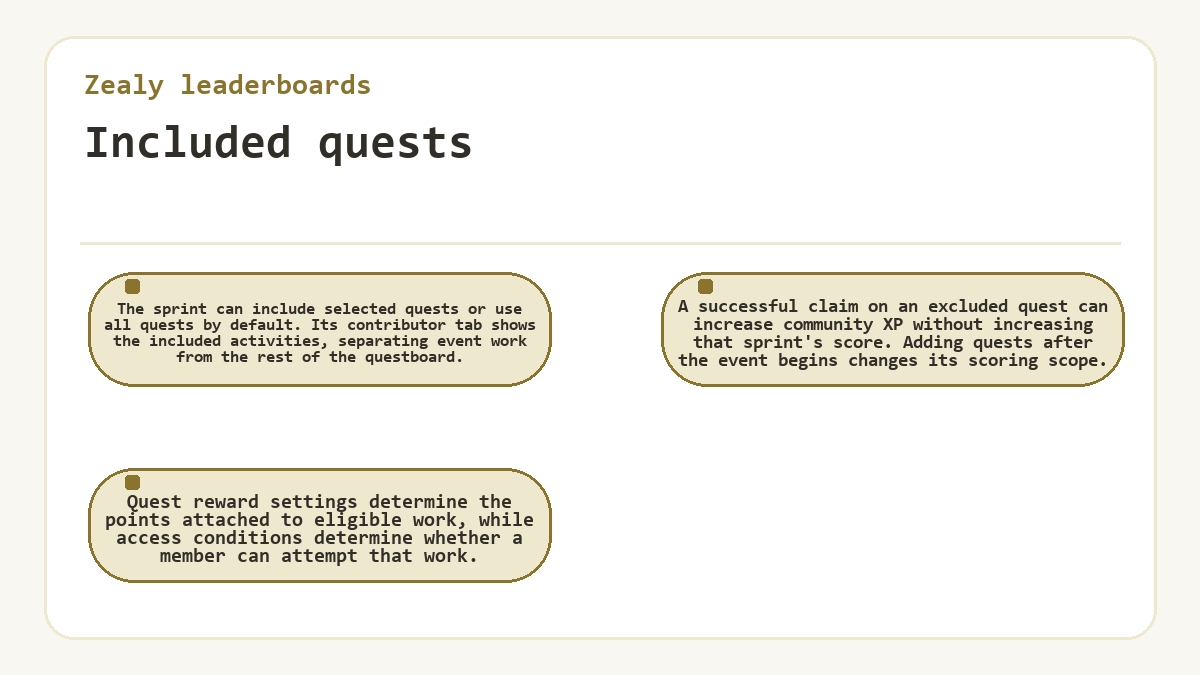
The sprint can include selected quests or use all quests by default. Its contributor tab shows the included activities, separating event work from the rest of the questboard. A successful claim on an excluded quest can increase community XP without increasing that sprint's score. Adding quests after the event begins changes its scoring scope. Quest reward settings determine the points attached to eligible work, while access conditions determine whether a member can attempt that work.
Equal scores, personal rank and levels
Equal XP totals normally favor the member who reached that total first. A manual XP grant suspends that timing tie-break until the member's next quest claim. Your own rank appears at the top of both all-time and sprint views. Levels describe progress along the XP curve; rank compares members within the selected leaderboard. Level 3 requires 500 total XP, but that level does not guarantee a particular competitive position.
Sprint preparation, scoring and settlement
A competition that rewards contribution during a defined period uses its sprint ranking to identify the relevant standings. All-time XP includes community work outside that competition's scope. The sprint's dates and included quests define the scope of competition, while its reward settings determine which standings qualify for prizes. Manual grants remain part of that score when they fall within the scoring window. Automatic reward pools use USD Coin (USDC) or Zaps.
| Stage | Scoring and standings | Reward handling | Sprint limits |
|---|---|---|---|
| Before launch | Configure the dates and included quests | Choose a pool or custom prizes and any reward zone | Only one sprint can run at a time |
| During the sprint | Eligible quest XP and manual grants | Pool allocation follows XP shares or configured rank tiers | Launched reward pools lock dates, reward zone and pool size |
| After the end | Administrators inspect the completed sprint standings | Zealy distributes USDC or Zaps pools; communities deliver custom prizes | A configured reward zone excludes positions below its cutoff from prizes |
For custom prizes, the completed standings identify qualifying positions under the contest rules. The community needs separate records of prize delivery.
What does a place in the reward zone earn?
The reward zone marks the lowest rank eligible for prizes, while the configured payout method determines the amount. Pool distribution excludes members with zero sprint XP.
Proportional pools
The default pool method weights rewards by each eligible member's share of sprint XP. With a reward zone, proportional distribution uses the combined XP of members inside that zone as its denominator. Changes in other eligible members' scores can change the share associated with an unchanged personal XP total.
Rank-based tiers
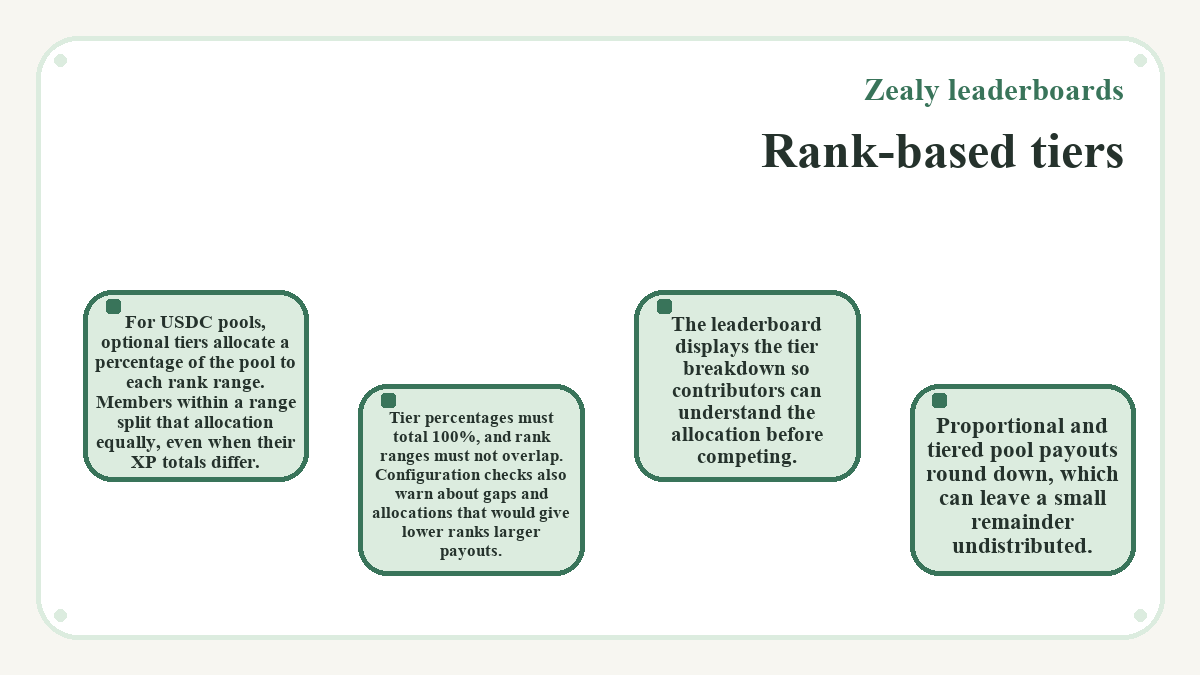
For USDC pools, optional tiers allocate a percentage of the pool to each rank range. Members within a range split that allocation equally, even when their XP totals differ. Tier percentages must total 100%, and rank ranges must not overlap. Configuration checks also warn about gaps and allocations that would give lower ranks larger payouts. The leaderboard displays the tier breakdown so contributors can understand the allocation before competing. Proportional and tiered pool payouts round down, which can leave a small remainder undistributed.
Custom prizes
Custom rewards follow the community's stated allocation and require community-managed distribution after the sprint ends. USDC and Zaps pools use automatic distribution that Zealy handles at the end. The reward description identifies which arrangement applies. XP, a qualifying rank and receipt of a crypto reward represent different facts about participation and payment.
Sprint edits and leaderboard resets
Editors and administrators can modify a sprint regardless of who created it. Adding quests after the start changes which work contributes to the event. Saved changes may require score recalculation, so the visible standings can lag behind an edit.
Launched reward-pool sprints lock their dates, reward zone and pool size. Set those values before launch because they define the competition's payout conditions.
Administrators can reset the leaderboard, and the action cannot be reversed. It soft-deletes manual XP grants and restarts quest claim counters. Invite tallies also restart from the reset cutoff. The reset retains earlier quest claim history, while members' XP totals restart for subsequent scoring. Resetting during an active sprint moves that sprint's start date to the reset time. That change alters the window represented by its standings. Keep an ongoing competition's original scoring period intact when its rewards depend on that period.
A new sprint provides a separate time-bounded ranking without requiring a reset of the all-time leaderboard. That distinction supports recurring competitions while retaining broader community progress.
Completed standings and CSV records
Administrators can inspect completed sprints from leaderboard history without first downloading a file. Selecting the intended event keeps its standings separate from current community totals. Retaining those results provides a record of the competition that a custom prize allocation refers to.
A comma-separated values (CSV) export contains user IDs, names, XP and completed quest counts, along with wallet addresses and social identifiers. The address corresponds to the blockchain selected in the community's general settings. Use the user ID to distinguish accounts when matching standings to recipient records. The file also carries personal account information, so sharing a ranking does not require publishing its wallet and social fields.
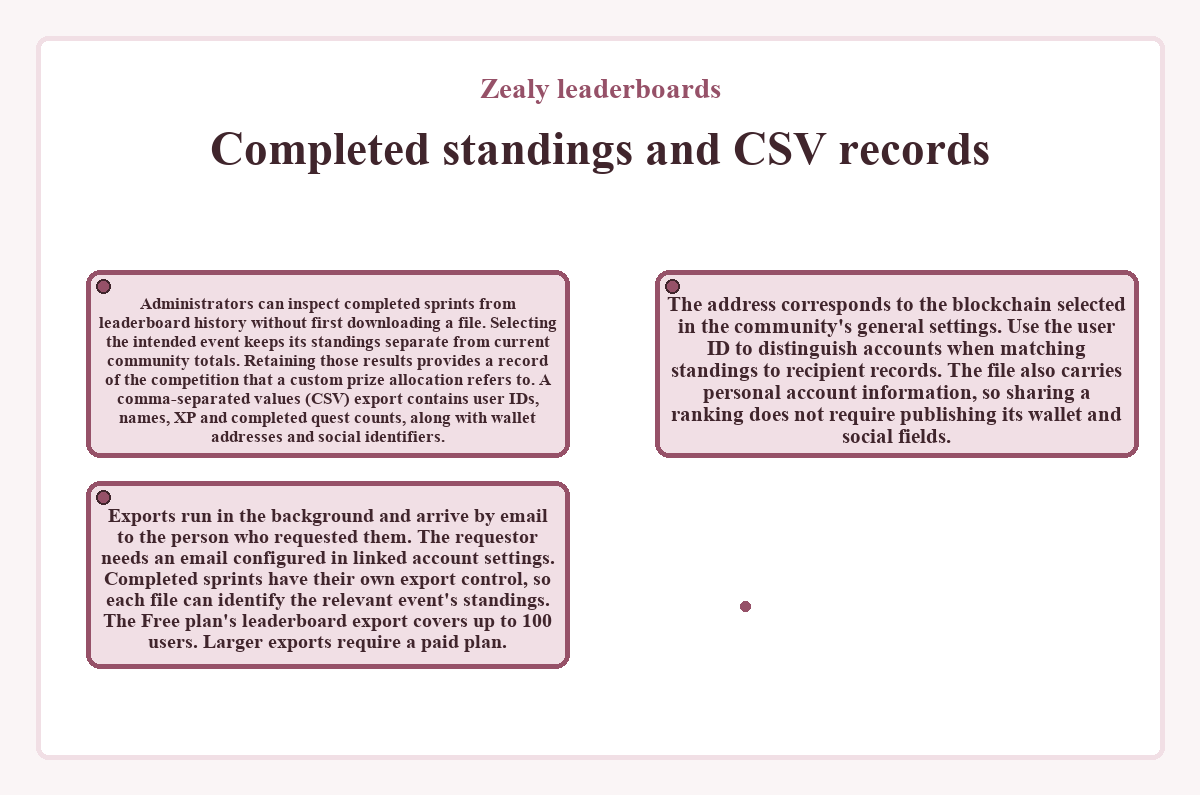
Exports run in the background and arrive by email to the person who requested them. The requestor needs an email configured in linked account settings. Completed sprints have their own export control, so each file can identify the relevant event's standings. The Free plan's leaderboard export covers up to 100 users. Larger exports require a paid plan.
Zealy leaderboards: what people ask
-
Can XP from one community raise my rank in another?
- XP belongs to the community that awards it, so another community calculates its own leaderboard score. Quest rewards and manual grants contribute to their respective community totals. Using the same Zealy account across communities does not combine those totals into a global XP balance.
-
Does posting a Discord message automatically earn Zealy leaderboard XP?
- Posting a message does not automatically earn Zealy XP merely because it is a Discord message. Zealy scores successful quest claims and manual grants. Linking Discord provides community integration features, while an XP reward still needs an approved quest claim or an authorized grant.
-
Who can award bonus XP without changing a quest's base reward?
- Reviewers can award bonus XP when approving a claim, and administrators can also add or remove XP directly. Editors inherit reviewer permissions. Reviewers cannot approve their own submissions, so another authorized reviewer must handle those claims. These permissions distinguish a member-specific bonus from changing the quest's configured XP reward.
-
Why does the API return all-time standings when I need a sprint?
- The leaderboard API returns all-time standings by default unless the request includes sprintId. Supply the intended sprint's identifier to select that event's leaderboard. Results use pagination and include totalPages, so complete standings may span several pages.
-
Which wallet field identifies a leaderboard member's address on the community's blockchain?
- The address field represents the member's address on the community's selected blockchain. The API separately exposes connectedWallet for the wallet connected to Zealy. When a supported blockchain requires a wallet connection, Zealy verifies ownership. For chains handled through manual address entry, ownership is not assured. Treat those manually entered addresses as unverified when identifying reward recipients.
-
Is the XP level formula different for each community?
- Zealy uses the same XP level curve across communities, without a community-specific formula setting. For level L, the cumulative threshold is 150 × L² - 350 × L + 200 XP. Quest reward settings determine awarded XP; the cumulative formula determines the resulting level.
-
When should a Zealy leaderboard CSV arrive?
- An export can take up to 30 minutes, depending on the leaderboard's size. Zealy prepares the file in the background and sends it to the requestor's linked email. That processing time concerns the CSV export, while the live leaderboard updates as members earn XP.
-
Can an integration track when a Zealy sprint starts or ends?
- Zealy webhooks include SPRINT_STARTED and SPRINT_ENDED events for integrations that monitor competition boundaries. Each event identifies a sprint transition and includes the sprint's timing information. A sprint-end notification establishes the event boundary; it does not establish that a community-managed custom prize reached a recipient's wallet.