 Zealy
Zealy lets editors change selected quest properties inline
Zealy lets admins and editors change quest titles, rewards, recurrence, cooldown and publication status directly from the quests page. Task details, descriptions and other properties require the full quest editor. This separates changes to a quest's label or settings from changes to the work that contributors must complete.
updated
Jump to a section
A title correction, a revised reward and a new task requirement affect different parts of the same quest. Keeping those parts aligned helps contributors understand what they must do and what the configured reward offers.
The selected field determines the editing route
The title identifies the quest, while its recurrence, retry delay, reward and publication setting each control a different aspect of participation. These fields support inline changes:
- Title: the wording that identifies the quest.
- Recurrence: how often contributors can complete it.
- Cooldown: the retry setting after a failed claim.
- Rewards: the configured incentives for completing the quest.
- Publication status: whether the quest is published or a draft.
Click the title to edit its wording, or use Rename in the right-click menu. The other inline properties use dropdown controls on the quests page.
What requires the full quest editor?
Descriptions, task details and access conditions require the full quest editor. Opening a quest from the admin quests page provides its editing controls. The description supports Markdown that converts into rich text, plus a formatting toolbar for highlighted text. That supports clearer instructions through headings, lists or code formatting. Task settings and access conditions have their own controls; putting a requirement in the description alone does not configure its verification. Save through Publish when the changes should be live, or choose Save as draft to keep them unpublished.
Reward edits retain the delivery requirements
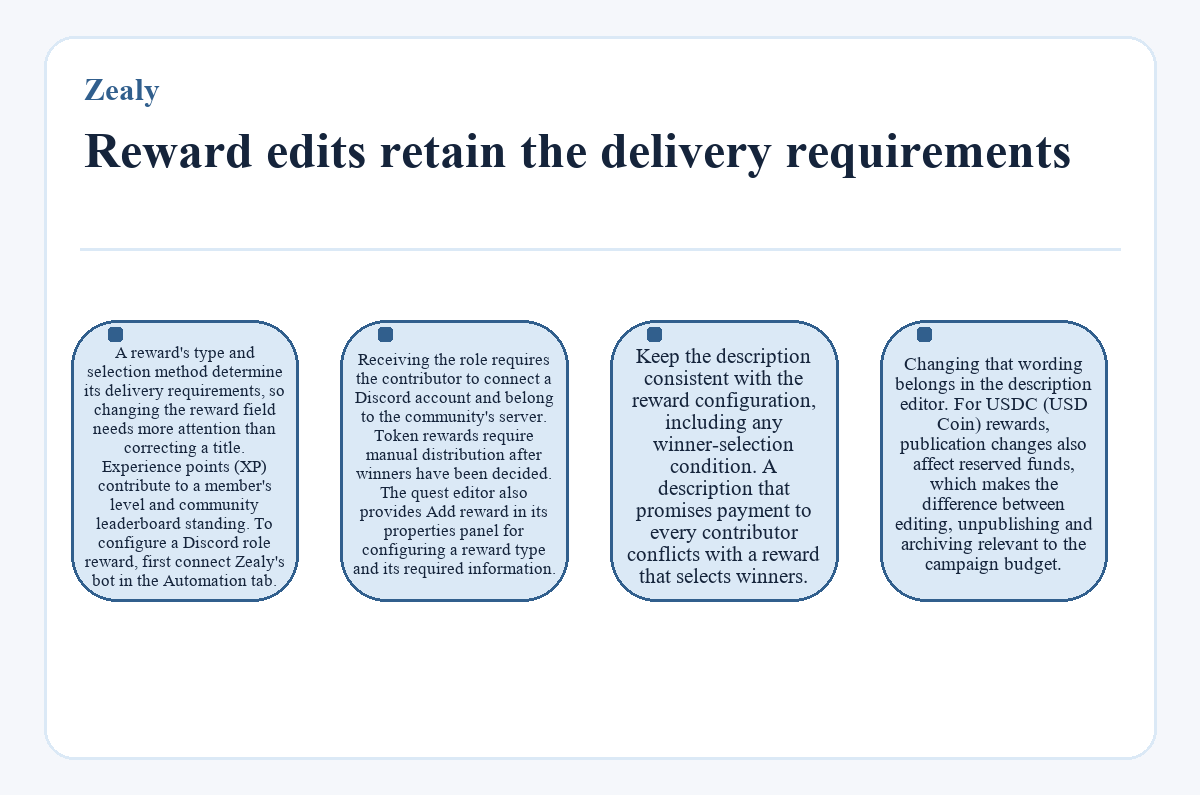
A reward's type and selection method determine its delivery requirements, so changing the reward field needs more attention than correcting a title. Experience points (XP) contribute to a member's level and community leaderboard standing. To configure a Discord role reward, first connect Zealy's bot in the Automation tab. Receiving the role requires the contributor to connect a Discord account and belong to the community's server. Token rewards require manual distribution after winners have been decided.
The quest editor also provides Add reward in its properties panel for configuring a reward type and its required information. Keep the description consistent with the reward configuration, including any winner-selection condition. A description that promises payment to every contributor conflicts with a reward that selects winners. Changing that wording belongs in the description editor. For USDC (USD Coin) rewards, publication changes also affect reserved funds, which makes the difference between editing, unpublishing and archiving relevant to the campaign budget.
A title-only correction leaves the requirement intact
In this hypothetical example, an editor wants a clearer title for an existing quest. Its task requirement, reward and publication status must stay unchanged.
The editor uses the inline title control to revise the wording.
The quest now has a revised title, while the configured task still defines the required work. Its previous reward remains the configured incentive.
This outcome applies because the edit changes only the title. If the intended work also changes, the task needs a separate edit through the full quest editor.
The revised title should describe the existing requirement accurately.
Bulk edits give selected quests the same value
Bulk editing applies a chosen property value across the selected quests. Hover near a quest title and use its checkbox to select it; selection reveals a menu at the bottom of the page. Choose the property and value there. The shared value then applies to every selected quest, so the selection needs to match the intended scope of the change. Quests that need different values call for separate edits. The same selection menu also includes deletion, which has a permanent consequence.
Can a draft stay visible to other editors?
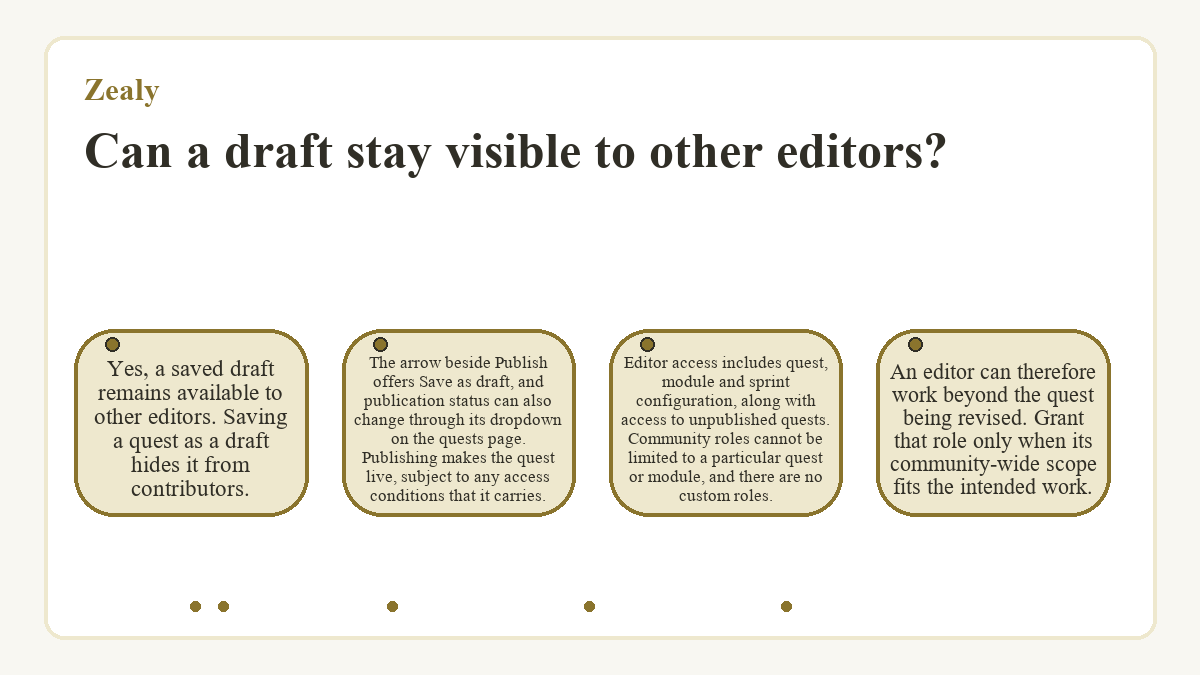
Yes, a saved draft remains available to other editors. Saving a quest as a draft hides it from contributors. The arrow beside Publish offers Save as draft, and publication status can also change through its dropdown on the quests page. Publishing makes the quest live, subject to any access conditions that it carries.
Editor access includes quest, module and sprint configuration, along with access to unpublished quests. Community roles cannot be limited to a particular quest or module, and there are no custom roles. An editor can therefore work beyond the quest being revised. Grant that role only when its community-wide scope fits the intended work.
Recurrence and cooldown control different repeat attempts
Recurrence determines how often a contributor can complete a quest: once, daily, weekly or monthly. Repeating quests reset at 00:00 UTC. Weekly recurrence resets on Mondays; monthly recurrence resets on the first day of each month. These schedules follow UTC, so a contributor's local calendar date can differ from the reset date. The recurrence dropdown changes this repeat schedule directly from the quests page.
Cooldown controls retries after a failed claim. Its available delays include 1 minute, 5 minutes, 30 minutes, 1 hour, 1 day, 1 week and 1 month. The No retry setting disables retries after a failed claim. The original claim time anchors the cooldown calculation. A delayed review can therefore arrive after part of the chosen waiting period has already elapsed.
Archiving keeps an option to restore the quest
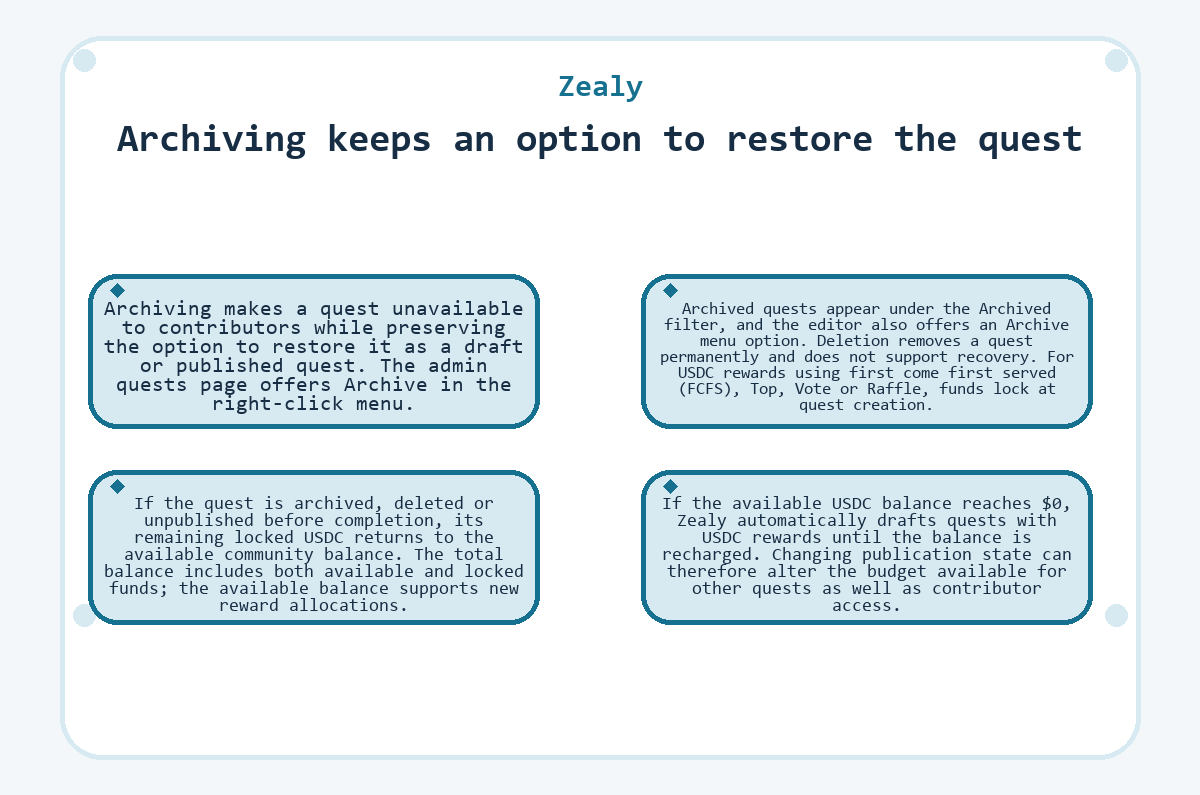
Archiving makes a quest unavailable to contributors while preserving the option to restore it as a draft or published quest. The admin quests page offers Archive in the right-click menu. Archived quests appear under the Archived filter, and the editor also offers an Archive menu option. Deletion removes a quest permanently and does not support recovery.
For USDC rewards using first come first served (FCFS), Top, Vote or Raffle, funds lock at quest creation. If the quest is archived, deleted or unpublished before completion, its remaining locked USDC returns to the available community balance. The total balance includes both available and locked funds; the available balance supports new reward allocations. If the available USDC balance reaches $0, Zealy automatically drafts quests with USDC rewards until the balance is recharged. Changing publication state can therefore alter the budget available for other quests as well as contributor access.
Frequently asked questions about Zealy
Can an editor change a Zealy quest that somebody else created?
An editor or admin can edit a quest regardless of who created it. Quest-editing access follows the person's community role, so the original creator does not have exclusive editing rights. This lets another authorized editor maintain the quest without recreating it. The permission concerns editing the quest; it does not grant every community-setting permission that an admin has.
Will changing quest tasks affect the claim-credit cost?
Task changes can affect the claim-credit cost when the community uses claim-credit billing. The editor shows each task's additional cost and the live total for one claim. That total updates when tasks are added, removed or reconfigured. An Included label means the task adds no credits beyond the quest's 1-credit base cost; tasks that require X (Twitter) validation can add credits. Use the revised total when assessing an edited quest's cost.
Which setting makes a text task accept only a specified answer?
A configured correct answer makes an automatically validated text task accept only matching submissions. With automatic validation enabled and no correct answer configured, the task automatically approves submissions that pass its format checks. Text, number and URL variants have different format requirements. Changing the displayed instruction alone does not establish an exact-answer check; that behavior comes from the task's validation configuration.
Does a pending review block the next recurring quest claim?
A pending review does not block a new claim when the next configured recurrence period begins. The recurring quest unlocks for the new period even while the previous claim remains pending. This concerns access to the next claim; it does not approve the earlier submission or decide its reward.
Why are a published quest's tasks still hidden from a contributor?
Access conditions can hide a published quest's description and tasks from a contributor who does not meet its requirements. That contributor can still see the title, rewards and reason for the restriction. Supported conditions include completed quests, level, Discord roles, dates, NFT holdings, X follower counts and X account age. Publishing the quest does not remove its configured access conditions.
Do I need to publish a quest before testing its changes?
You can test a new, draft or published quest without publishing it first. The quest editor's preview includes Test Claim, which reports whether the test passes or fails. Questboard preview testing also creates real claims, but those claims do not count toward the subscription quota. Testing a draft leaves its publication choice separate from the test outcome.
How can I undo a typing mistake in the quest description?
In the description editor, Command+Z undoes typing on a keyboard with a Command key. Command+Shift+Z redoes typing. These shortcuts concern text edits inside the quest description, so they provide a way to reverse a recent wording change while working in that editor.